

An AI executive assistant can handle a surprising amount of your day-to-day tasks, from drafting emails to scheduling meetings. As a busy founder, you may already have access to powerful AI tools through the platforms you use daily, like Copilot in Outlook, Gemini in Gmail, and Claude with Google Workspace connectors. But what can these tools really do, and where do they still need a human touch? Understanding their capabilities and limitations can help you decide how to integrate them into your workflow, saving you time and reducing stress.
What an AI executive assistant can do today
Many founders already pay for AI-powered tools that can significantly lighten their workload. Copilot in Outlook, Gemini in Gmail, and Claude with Google Workspace connectors are prime examples. These tools can draft, summarize, propose, and record information. However, a common pattern emerges: they require human approval before any action is finalized. This ensures that sensitive or high-stakes tasks are still managed with a human touch.
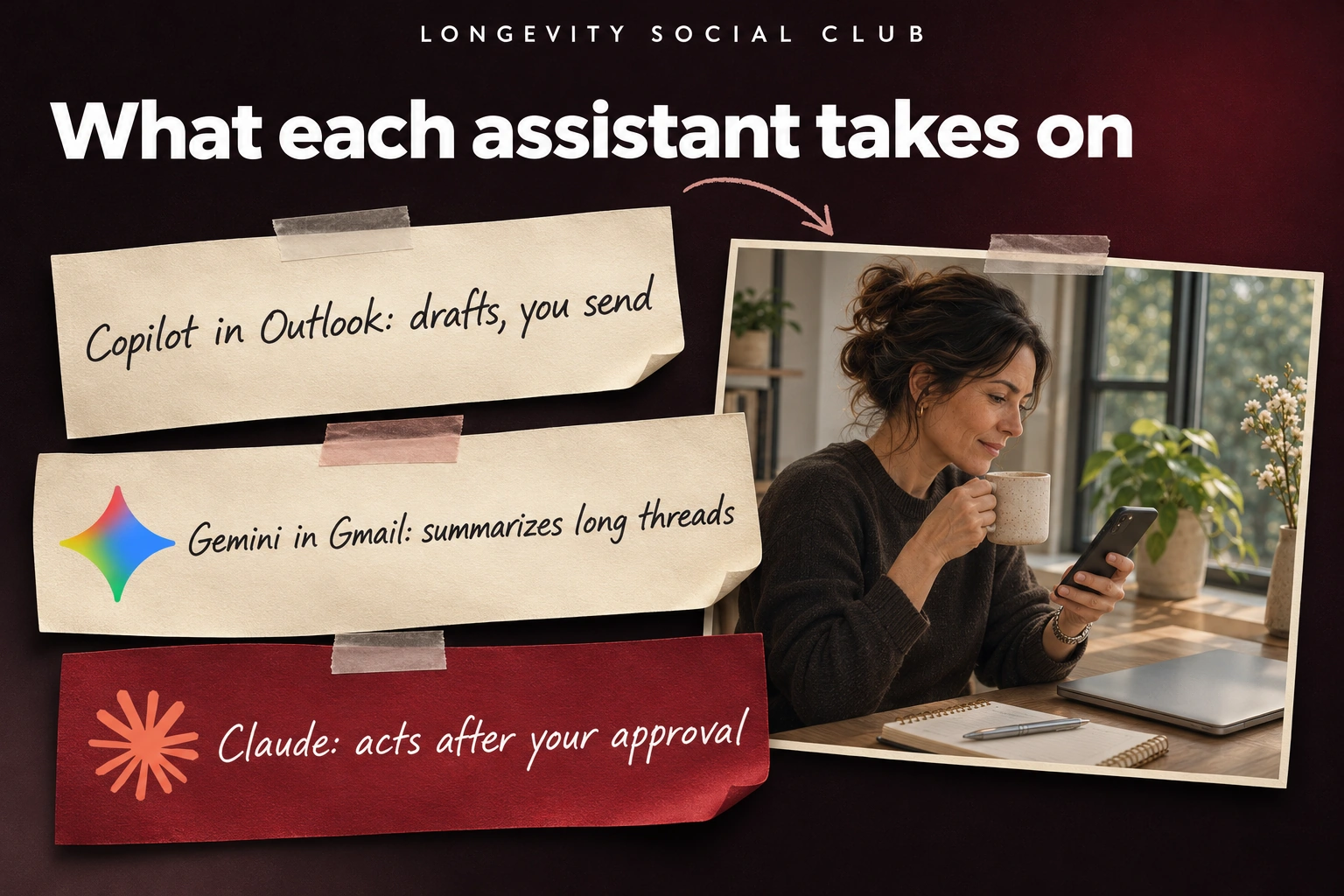
For instance, Copilot can draft emails, propose meeting times, and check attendees' calendars, but the person reviews the result and does the sending. Similarly, Gemini can synthesize long email threads into bullet points and suggest meeting times, but it comes with a warning about potential inaccuracies. Claude, on the other hand, can read, search, and send emails, as well as create, update, and delete calendar events, but each action requires explicit approval by default. We compared the two main assistants in an earlier Journal piece, detailing how ChatGPT and Claude compare in various tasks.
Inbox and drafting
Copilot in Outlook is a powerful tool for managing your inbox and drafting emails. The process is straightforward: Copilot drafts the email, and you review it. If you're satisfied, you select "Keep it." You can also edit the draft as needed before hitting "Send." The key point is that the final decision to send the email lies with you, not Copilot. This ensures that the tone and content are aligned with your intentions.
Gemini in Gmail offers a similar feature, with a unique twist. It can synthesize long email threads into concise bullet points, which is particularly useful for quickly grasping the essence of a lengthy conversation. However, Google warns that Gemini may suggest inaccurate or inappropriate information. Read the summary before acting on it.
Claude, with its Google Workspace connectors, takes inbox management a step further. It can read and search your emails using natural language queries, and it can send, reply to, and forward emails. Each action, however, requires your explicit approval by default. This means that while Claude can handle the drafting and sending, you maintain control over the final output.
Calendar and scheduling
Calendar work is where an AI executive assistant saves the most back-and-forth. Copilot in Outlook can check the calendars of all attendees and recommend a mutually convenient time to meet. This saves the tedious back-and-forth that often accompanies scheduling meetings. However, the final decision to confirm the meeting time is still up to you. An earlier Journal piece covers the plan a small team needs and how to set up Claude for a small team.
Gemini in Gmail can propose meeting times based on your availability in Google Calendar. This feature simplifies the process of finding a suitable time for a meeting, but it's important to note that the suggestions may not always be accurate. Therefore, a quick review is necessary before confirming the time.
Claude, with its Google Workspace connectors, can create, update, and delete events on your calendar. Each action requires your explicit approval by default, ensuring that no changes are made without your knowledge. There is also an Auto mode available, but Anthropic warns that the check can miss risky actions.
Meeting notes
Taking meeting notes is another area where AI executive assistants can be incredibly useful. The "Take notes for me" feature in Google Meet can automatically capture meeting notes and organize them in Google Docs. This is particularly helpful for keeping a record of discussions and action items. However, Google acknowledges that the meeting summaries can sometimes be incomplete, inaccurate, or not generated at all. Therefore, it's still important for a person to review the notes before they are shared with clients or team members. We work through these setups in our hands-on AI workshops, showing how to integrate and optimize AI tools for daily tasks.
These tools, while highly capable, are designed to augment, not replace, human judgment. They can handle the initial drafting and summarizing, but a human touch is still necessary to ensure accuracy and professionalism. By leveraging these AI tools, you can free up more of your time to focus on high-impact activities, while still maintaining control over critical tasks.
Where it still needs you
The capabilities of AI executive assistants are impressive, but they have clear limits. A study of 758 BCG consultants found that when tasks fell within the AI's capability frontier, consultants using GPT-4 completed 12.2% more tasks on average, 25.1% more quickly, and produced work of more than 40% higher quality. However, for tasks outside this frontier, they were 19 percentage points less likely to produce correct solutions. These findings highlight the importance of human judgment and expertise.
Maintaining the right tone with a key client, managing complex interpersonal dynamics, and making judgment calls on sensitive matters are still best handled by a human. AI can draft emails and summarize threads, but the final touch and emotional intelligence needed for high-stakes communications require a human touch.
Privacy is another critical consideration. Google Workspace does not use customer data for training models without prior permission, and Anthropic's connectors do not train models on Gmail, Drive, or Calendar data, except for consumer users who opt into training. This means that while AI can handle many tasks, it is essential to ensure that sensitive information remains secure.
AI or a human EA?
The decision between an AI executive assistant and a human one is nuanced. According to the US Bureau of Labor Statistics, overall employment of secretaries and administrative assistants is projected to decline 2% from 2025 to 2035, while executive secretaries and executive administrative assistants are projected to see no change (0%). This suggests that while general administrative roles may be impacted by technology, high-level executive support remains stable.
A study of 5,179 customer support agents found that access to an AI tool raised productivity, measured as issues resolved per hour, by 14% on average. Novice and low-skilled workers saw a 34% improvement, while experienced and highly skilled workers saw minimal impact. These findings, while not specific to executive assistants, suggest that AI can significantly boost productivity for less experienced or less skilled team members but may have a more limited impact on seasoned professionals.
For a founder, this means that an AI executive assistant can be a valuable tool, especially for routine tasks and supporting less experienced team members. However, for high-stakes, relationship-driven work, a human EA remains indispensable. The best approach may be to use AI to augment a human EA's capabilities, allowing them to focus on the most critical and strategic tasks. Many founders in the club are working out this same question, exploring how membership works to balance AI and human EAs.
A one-week trial
If you're considering incorporating an AI executive assistant, a one-week trial can help you assess its value. We run Claude and ChatGPT training for non-technical founders, helping them harness AI without needing coding skills. Here's a simple day-by-day plan using tools you may already have:
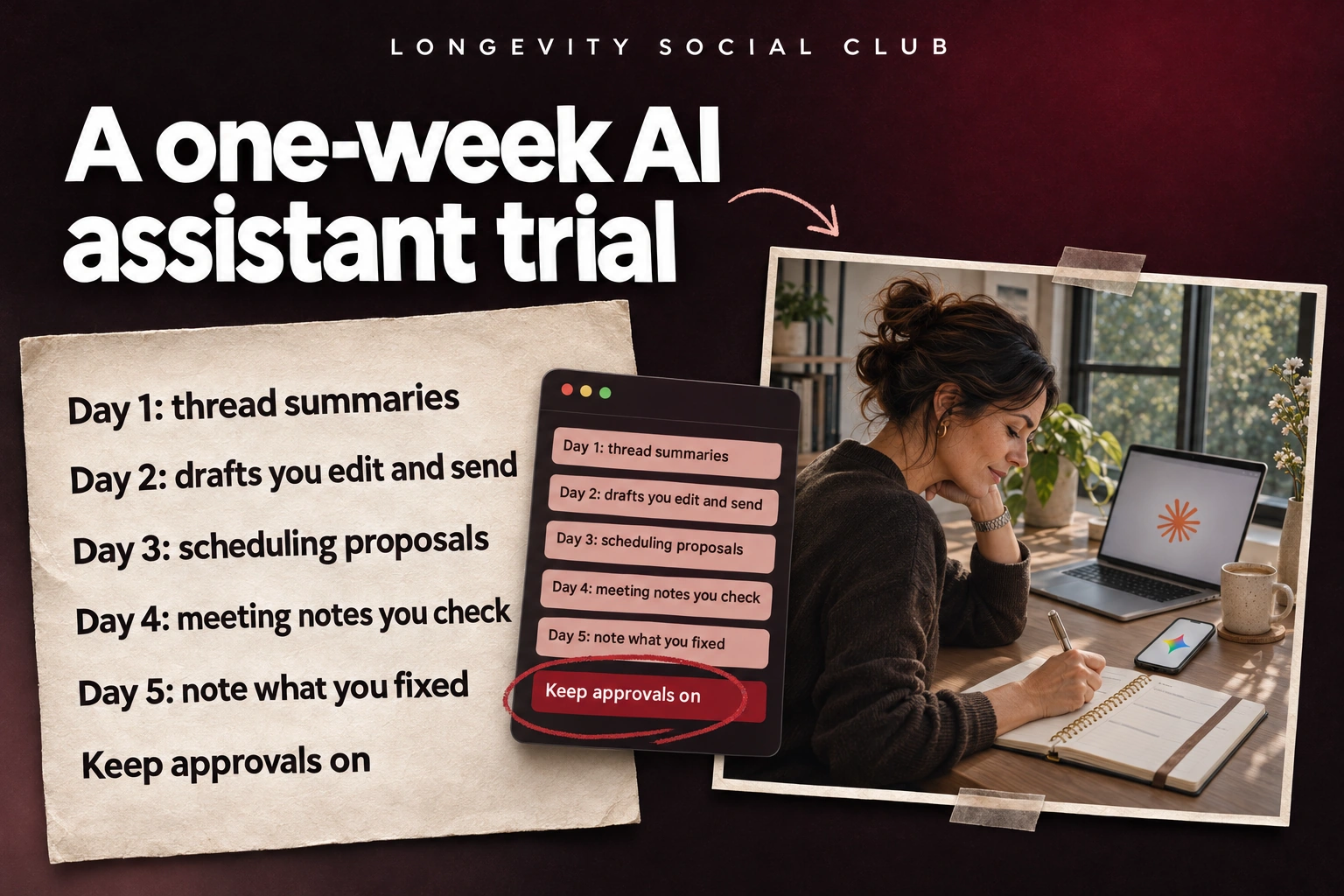
- Day 1, triage summaries: Ask Gemini in Gmail, or the assistant you already have, to summarize your longest threads. Review these summaries to get a quick overview of your inbox and prioritize your responses.
- Day 2, drafting and editing: Have Copilot draft responses to emails. Review and edit these drafts before sending them. This will help you gauge the tool's ability to handle different types of communication.
- Day 3, scheduling proposals: Use Copilot to propose meeting times based on your calendar and the availability of attendees. Review the proposed times and adjust as needed before confirming.
- Day 4, meeting notes: Use the "Take notes for me" feature in Google Meet to automatically capture meeting notes. Review these notes to ensure they are accurate and complete. This will help you understand how well the tool captures the nuances of your meetings.
- Day 5, final review and adjustments: Review all the tasks you've delegated to the AI over the week. Note what worked well and what still needed your intervention. Keep approvals on for all actions to maintain control and ensure accuracy.
- Day 6, reflect and refine: Reflect on the week's experience. Identify areas where the AI excelled and areas where it fell short. Use this feedback to refine your approach and better integrate the AI into your workflow.
- Day 7, plan for the future: Based on your trial, decide how to move forward. Consider using the AI for routine tasks while reserving more complex and sensitive work for a human EA.
The practical takeaway
An AI executive assistant can significantly enhance your productivity, especially for routine tasks. However, for high-stakes and relationship-driven work, a human touch remains essential. By using AI to augment your existing support, you can free up valuable time to focus on strategic initiatives.
If you would like to work this out alongside other founders, apply to The Longevity Social Club.