
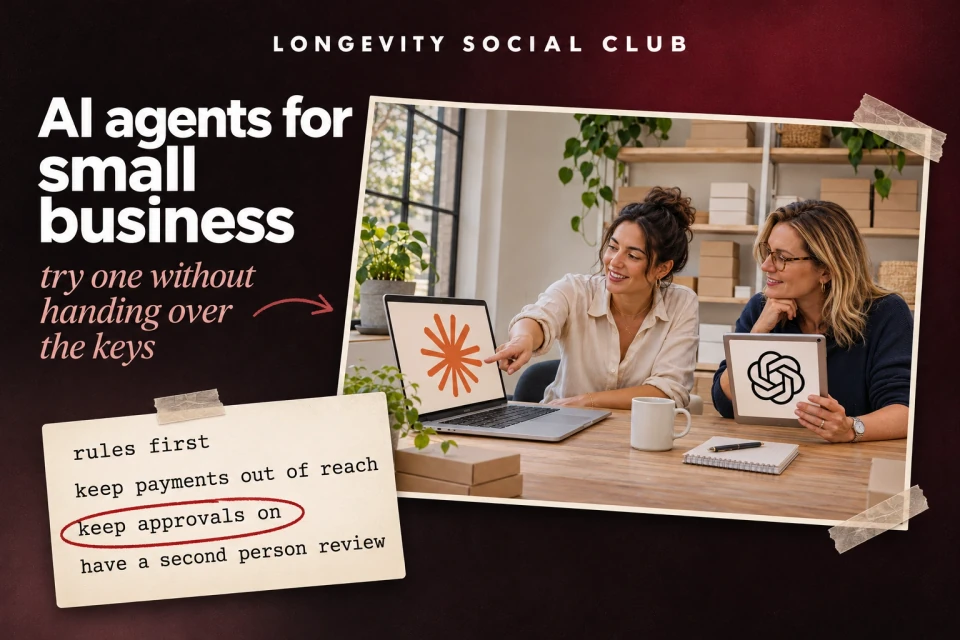
AI agents for small business are not just a buzzword; they are real tools that can automate tasks, manage workflows, and even make decisions. As a founder or operator, you've probably heard the term "AI agents" but may be unsure what they actually do and whether they're worth considering. According to a recent survey by the US Census Bureau, between 17% and 20% of businesses were using AI in any business function from December 2025 to May 2026. Between 20% and 23% expected to be using it within six months. But what does this mean for your small business, and how can you try an AI agent without handing over the keys?
What an AI agent is (and is not)
An AI agent, as defined by Microsoft in their Copilot Studio documentation, is "an AI assistant that handles conversations and completes tasks. It follows the instructions you give it, draws on the knowledge sources you connect, and uses tools to take action." This definition captures the essence of what an AI agent does: it's not just a chatbot that answers questions, but a more advanced tool that can take proactive steps.
The key difference between a chatbot and an AI agent lies in their capabilities. Chatbots are typically designed to respond to user inputs and provide information, while AI agents can perform a series of tasks, make decisions, and interact with other systems. OpenAI's ChatGPT agent, for example, is described as an AI that "thinks and acts, proactively choosing from a toolbox of agentic skills." This means it can not only respond to queries but also take actions. An earlier Journal piece looks at how ChatGPT and Claude compare, with the strengths and weaknesses of each.
However, it's important to note that AI agents are not autonomous staff. They do not operate entirely on their own; instead, they require human oversight. Most AI agents, including those from leading providers, are designed to ask for permission before taking actions that could have real-world consequences. OpenAI says ChatGPT agent is trained to ask for your permission before actions with real-world consequences, and a Watch Mode applies to critical tasks such as sending email. This safeguard helps maintain control and reduce the risk of unintended outcomes.
How many small businesses use AI
The adoption of AI in small businesses is on the rise, but it's still far from universal. According to the US Census Bureau's Business Trends and Outlook Survey, the share of US businesses using AI in any business function ranged from 17% to 20% between December 2025 and May 2026. As of May 3, 2026, the national rate stood at 19.8%. The survey also found that between 20% and 23% of businesses expected to be using AI within the next six months, indicating a growing trend.
However, the adoption rate varies significantly by firm size. Fewer than 20% of firms with four or fewer employees reported using AI. This suggests that while larger small businesses are more likely to adopt AI, the smallest firms are still largely on the fence.
The question wording in the survey changed in November 2025, which makes it difficult to compare these figures with older data. Despite this, the trend is clear: most small businesses are still in the decision-making phase. They are evaluating the benefits and risks of AI and considering how it can fit into their operations. We offer Claude and ChatGPT training built for founders who do not write code.
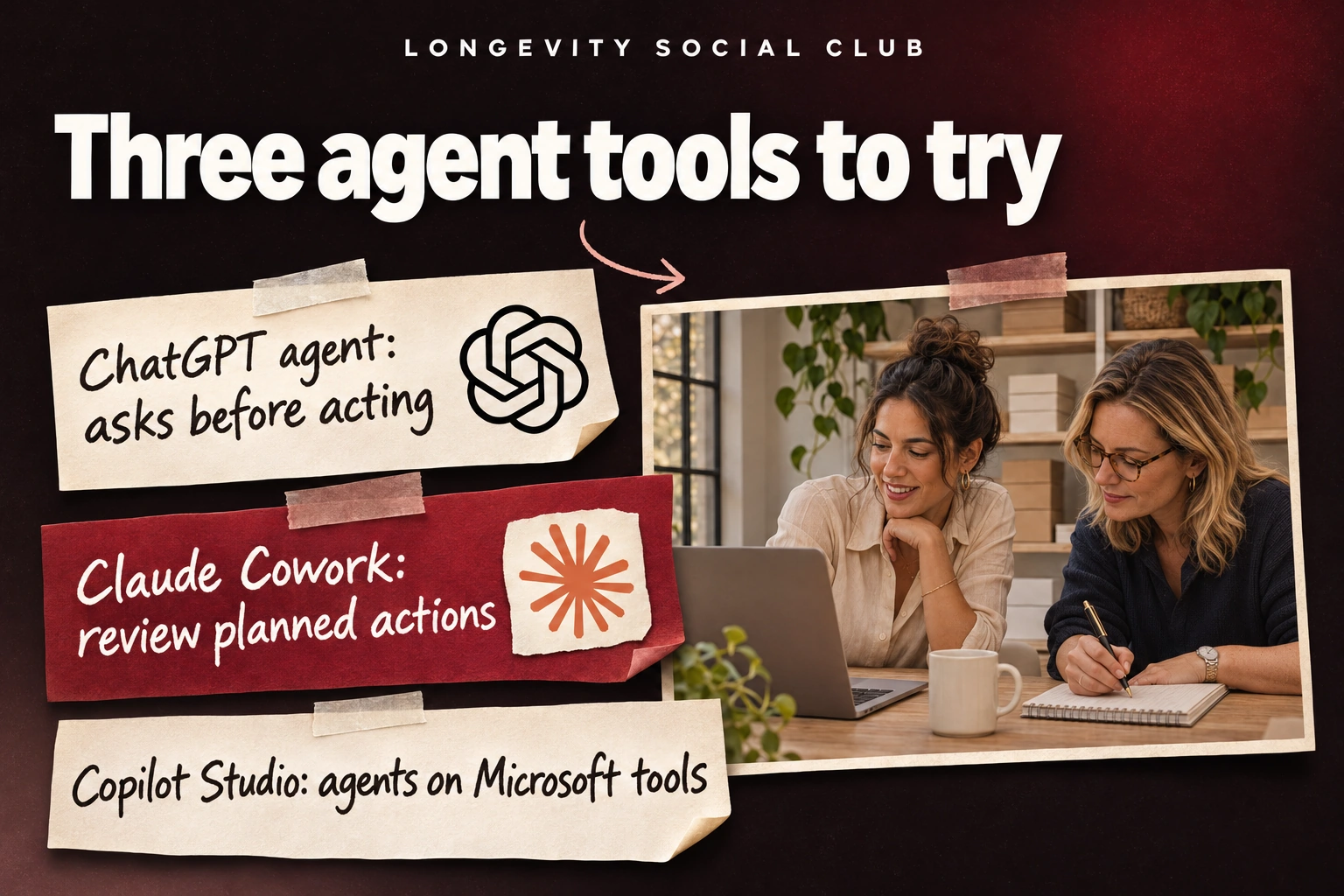
Three agent tools you can try
If you're curious about AI agents and want to try one without fully committing, there are several options available. Each tool offers different features and capabilities, allowing you to explore the potential of AI in your business. An earlier Journal piece covers setting up Claude for a small team, including which plan to choose and how to configure it.
ChatGPT agent
ChatGPT agent, developed by OpenAI, is designed to think and act by proactively choosing from a toolbox of agentic skills. It is trained to ask for your permission before taking actions with real-world consequences, and its Watch Mode covers critical tasks such as sending email, where a mistake is hard to take back.
Claude Cowork
Claude Cowork, from Anthropic, brings Claude Code's agentic capabilities to knowledge work beyond coding. Anthropic advises users to review Claude's planned actions before allowing it to proceed, especially when working with sensitive files. This review process helps ensure that the AI's actions align with your business's needs and standards.
Claude in Chrome
Claude in Chrome is a browser extension that allows Claude to read, click, and navigate websites alongside you. It's particularly useful for tasks that require interaction with web-based tools and platforms. Claude in Chrome asks for permission before accessing financial sites, and Anthropic advises against using it for managing financial accounts or investments due to the potential risks. On prompt injection, hidden instructions on a web page that try to steer the agent, Anthropic says plainly that the risk is not zero.
Microsoft Copilot Studio
Microsoft Copilot Studio is a platform for building AI agents on Microsoft tools. It allows you to create agents that can handle conversations and complete tasks using the tools you already use. The agents follow your instructions, draw on the knowledge sources you connect, and use tools to take action. Billing for Copilot Studio is pay-as-you-go through Azure, with users paying only for the Copilot Credits their agents use.
By trying these tools, you can get a sense of how AI agents can streamline your workflows and enhance your business operations. Each tool has its strengths, and the best choice will depend on your specific needs and the tasks you want to automate.
Where agents go wrong
AI agents can be powerful tools for small businesses, but they also come with significant risks. One of the most pressing concerns is prompt injection, where hidden instructions on a web page can manipulate the agent's behavior. Anthropic states that the risk is not zero. This means that even the most advanced agents can be tricked into performing unintended actions.
Vendors are well aware of these risks and often include permission steps to mitigate them. Claude in Chrome, for example, asks for permission before accessing financial sites, and Anthropic advises against using it to manage financial accounts or investments.
Acting on a wrong assumption can be far more costly than writing a wrong sentence. In the context of voice agents, it's important to note that no verified ranking or profit claims exist. Evaluating any tool should focus on what it can touch and whether it asks for permission before acting. This cautious approach ensures that the agent's actions align with your business goals and do not lead to unintended consequences. We host AI workshops where members try tools like these together in hands-on sessions.
Rules before you start
- Keep payments and banking out of reach: Ensure that your AI agent cannot access or manage any financial accounts or transactions.
- Keep sensitive and proprietary data out: Avoid feeding sensitive data or proprietary information into AI tools, as advised by the US Small Business Administration.
- Keep approvals on: Always require the AI agent to ask for your permission before performing critical tasks, especially those with real-world consequences.
- Have a second person review output: Implement a review process where another person checks the AI's output before it is finalized, as recommended by the SBA.
- Write the instructions down: Formalize your instructions using structured documents or "Skills," which are folders of instructions, scripts, and resources that the AI can load dynamically.

For those who want a more comprehensive checklist, the NIST AI Risk Management Framework provides a voluntary reference. Released in January 2023 and now being revised as part of the White House AI Action Plan, the framework offers detailed guidelines for managing AI risks. While it is not mandatory, it can serve as a valuable resource for businesses looking to implement AI agents safely and effectively.
A safe first project
A practical and low-risk project to start with is researching a shortlist of suppliers or event venues and compiling the information into a spreadsheet. This project allows you to leverage the AI agent's capabilities without exposing your business to significant risks. A first project like this is the kind of thing founders bring to our cowork days.
- Define the scope: Clearly outline the criteria for the suppliers or event venues you are interested in. For example, you might specify a budget range, location, and any specific services or products they should offer.
- Set up the agent: Use a tool like Anthropic's Claude or OpenAI's ChatGPT agent to create a new task. Input the criteria and instruct the agent to search for and compile the relevant information.
- Review the output: Before finalizing the spreadsheet, have a second person review the data to ensure accuracy and relevance.
- Measure the results: At the end of the week, assess the quality and completeness of the information gathered. Consider factors such as the number of suitable suppliers or venues found, the accuracy of the data, and the time saved compared to a manual search.
- Iterate and improve: Based on the results, refine your instructions and criteria for future projects. Building an agent starts with a written process, not code. By formalizing your instructions, you can ensure that the agent performs consistently and effectively.
The practical takeaway
AI agents for small business can be powerful tools, but they require careful management. Start with a low-risk project like researching suppliers or event venues, and always keep sensitive data and financial transactions out of reach. By following these rules, you can safely explore the benefits of AI without compromising your business.
If you would like to try this alongside other founders, apply to The Longevity Social Club.